A New Standard for Survey Platforms

AlphaQ is a platform built for professional surveys.

New: Questionnaires can now be created with AI.
AI can read a word-processing document and convert it into an AlphaQ questionnaire.

AlphaQ

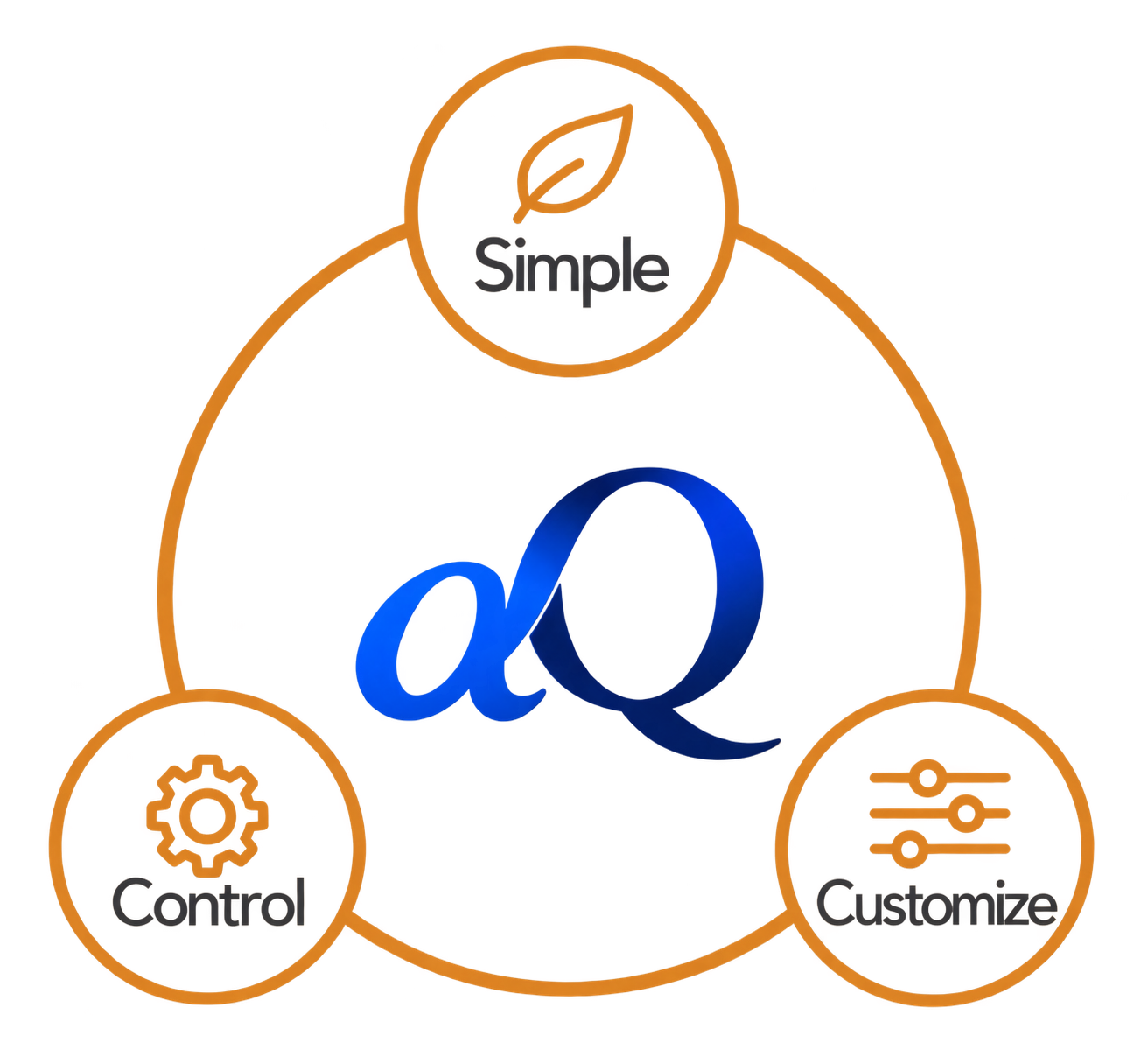
Easy · Control · Customize

Leave the professional features to AlphaQ, and focus on the research you want to do.

Easy

Easy to create.

  • Intuitive tree representation of the questionnaire structure
  • Drag & Drop to add, move, and organize questions
  • Almost WYSIWYG questionnaire design
  • No dedicated scripting language — ordinary arithmetic, comparisons, and set operations are enough
  • Or simply let AI create the questionnaire

Control

Does exactly what you specify.

  • Flexible conditional specifications, including nested conditions with parentheses
  • Flexible access to data across the data space, without complex navigation syntax
  • Dynamic text replacement (piping)
  • Loops and repetition for repeated survey structures

Customize

Looks and behaves the way you want.

  • Customize display layouts at the HTML level
  • Place a single question or multiple questions on one page
  • Place multiple questions on the same row
  • Extend behavior at the JavaScript level when needed

Easy without giving up control. Customizable without becoming complicated.

What AlphaQ Solves

As questionnaires grow, editing, maintenance, and operational risks increase. AlphaQ is designed to keep those risks under control.

  • Separates survey content from page layout and presentation
  • Uses CodeFrames to maintain consistency across questions
  • Reduces the work required for complex routing, loops, and multilingual surveys
  • Supports highly flexible conditional expressions

Make Difficult Survey Structures Easier to Build and Maintain

Simple questionnaires look similar on almost any platform. AlphaQ becomes more valuable as survey structures become more complex.

Different Questions for Different Respondents

Change question wording and flow by group or condition

  • Select questions based on respondent group
  • Select questions based on previous responses

Custom Page Layouts

Control how questions are presented on the web page

  • Automatic layouts for standard question types
  • Custom presentation when required

Annual and Tracking Surveys

Preserve consistency even when questions and choices change

  • Maintain question identity through insertion, deletion, and reordering
  • Track repeated participation by the same respondent

Complex Structures

Stable routing with loops, conditions, and blocks

  • Reduce the work required for repeated-question structures
  • Build precise routing logic

Multilingual Surveys

Use the same survey structure across languages

  • Map multilingual text to the same questions and codes
  • Keep data comparable across languages

Fast, Lightweight Web Server

NGINX combined with FastCGI

  • AlphaQ executable applications provide the survey server functions
  • Efficient use of system resources
  • Scales from modest hardware to high-performance systems

Core Features

AlphaQ combines questionnaire design, survey execution, fieldwork management, coding, and data export.

Questionnaire Designer

Design while viewing the whole questionnaire structure, and use blocks, conditions, and jumps to reduce errors.

Drag & DropPage/BlockAuto RenumberConditions
  • Structure-based editing for complex questionnaires
  • Manage groups of questions safely with Page Blocks
  • Ask..If / Jump..If support
  • Loop support
AlphaQ Designer UI
Structural questionnaire viewBlocks represented as a tree

CodeFrame System: Valid Codes and Synchronization

Separate reusable choice sets from question-specific valid codes, and synchronize choices across questions from a single CodeFrame.

CodeFrameValid CodesSynchronizeMultilingual
  • Manage CodeFrames in one place and reduce update errors
  • Manage related categories as conceptual sets
  • Use different wording while preserving the same coding system
AlphaQ CodeFrame UI
Question 16 uses CodeFrame 5It is referenced, not copied

Survey Methods and Channels: Solicitor

Run separate data collectors for different methods or respondent groups while using the same questionnaire.

Individual LinksID / PasswordLook-upCATI / CAPI
  • Use multiple collection methods with one questionnaire
  • Integrate with an external PDS for CATI
  • Define groups by region, field, or other criteria
  • Adapt operations to changing field conditions
AlphaQ Solicitor UI
Multiple data collectorsMultiple channels with one questionnaire

Fieldwork Monitoring

Set quotas and monitor fieldwork progress in real time.

Quota SetupLive ProgressOperational Changes
  • Adjust targets and composition as field conditions change
  • Support quality and representativeness management
  • Reduce operational workload
AlphaQ Quota UI
Quota monitoringTargets can be adjusted during fieldwork

Open Coding

Classify and code open-ended responses.

Drag & DropBatch ProcessingKeyword Grouping
  • Group similar responses by drag and drop
  • Represent coding structures as a tree
  • Merge and separate code values
Open Coding UI
Open codingChange code values with drag and drop

Data Export (SPSS / STATA Syntax)

Export data together with syntax and labels for immediate use in statistical software.

SPSSSTATA
  • CSV data plus statistical-package syntax files
  • Load data directly into supported analysis packages
  • Export selected subsets of data by condition
Data Export UI
Data ExportSPSS and STATA syntax export

Getting Started

Introduction

An introduction to the basic questionnaire-design workflow.

  • Create a project
  • Insert, delete, copy, and move questions
  • Organize question groups with If Blocks
  • Use Ask..If / Jump..If / Skip..If

Administration

Support for separation of operational roles and scalable B2B deployment.

Role-Based Operations

Operate smoothly even when questionnaire design, fieldwork, coding, and data processing are handled by different teams.

  • Project-level access control
  • Role separation such as administrator, designer, fieldwork manager, coder, and analyst
  • Operational permissions by Solicitor

Data Consistency and Integration

AlphaQ separates content, control logic, and design to support consistent operation and external integration.

  • Consistency through coding systems and constraints
  • CATI integration with independent PDS systems
  • Project-specific UI customization

Plans

Please contact info@brio.co.kr for pricing and availability.

Starter

Core Features

KRW 200,000 / month

All features except Loop

  • Up to 3 projects per month
  • Up to 1,000 respondents per month
Contact Us
Single User

Individual Use

KRW 300,000 / month

All features included

  • Up to 5 projects per month
  • Up to 2,000 respondents per month
Contact Us
Professional · Recommended

Business

KRW 500,000 / month / up to 3 users

All features plus CATI integration with PDS

  • Up to 10 projects per month
  • No respondent limit
  • PDS installation, usage, and telephone charges are separate for CATI
Request a Demo
Enterprise

Large-Scale / On-Premises

Contact us / year

Deployment and training included

  • Use your own host infrastructure
Enterprise Contact
Bureau

Managed Survey Site Service

Contact us / project

Survey-site setup and basic training included

  • Hosted on AlphaQ servers
  • Survey site construction
  • Data and syntax files provided
Bureau Service

FAQ

Common questions when evaluating AlphaQ.

How do I use AlphaQ?

Create an account and connect to the AlphaQ web server. Download the Windows-based editor to design your questionnaire, configure a Solicitor, and collect responses. When fieldwork is complete, the data can be downloaded.

What question types are supported?

AlphaQ supports most question types used in professional surveys, including choice, open-ended, table, scale, and ranking questions. Relationships between questions can also be defined.

How complex can a questionnaire be?

AlphaQ was designed for demanding questionnaires using blocks, conditional expressions, loops, multi-layer structures, and custom layouts, and has been used across diverse projects for years.

How are multilingual surveys handled?

Create the questionnaire in a base language and map translated text to the same underlying questions. Because translations remain attached to question identity, adding, deleting, moving, or editing questions remains manageable even after multiple languages have been added.

Which analysis tools are supported?

AlphaQ currently exports CSV data together with SPSS and STATA syntax. Loading the data and syntax into the statistical package creates a labeled analysis file that is ready for statistical analysis.

Can AlphaQ be deployed on-premises?

Yes. Cloud, on-premises, and hybrid deployment can be discussed according to the client's security policies and infrastructure requirements.
AlphaQ Demo / Consultation

We support complex questionnaires, multilingual surveys, tracking and panel studies, quota design, and data-export workflows.

Contact: info@brio.co.kr

Request a Demo by EmailReview Features